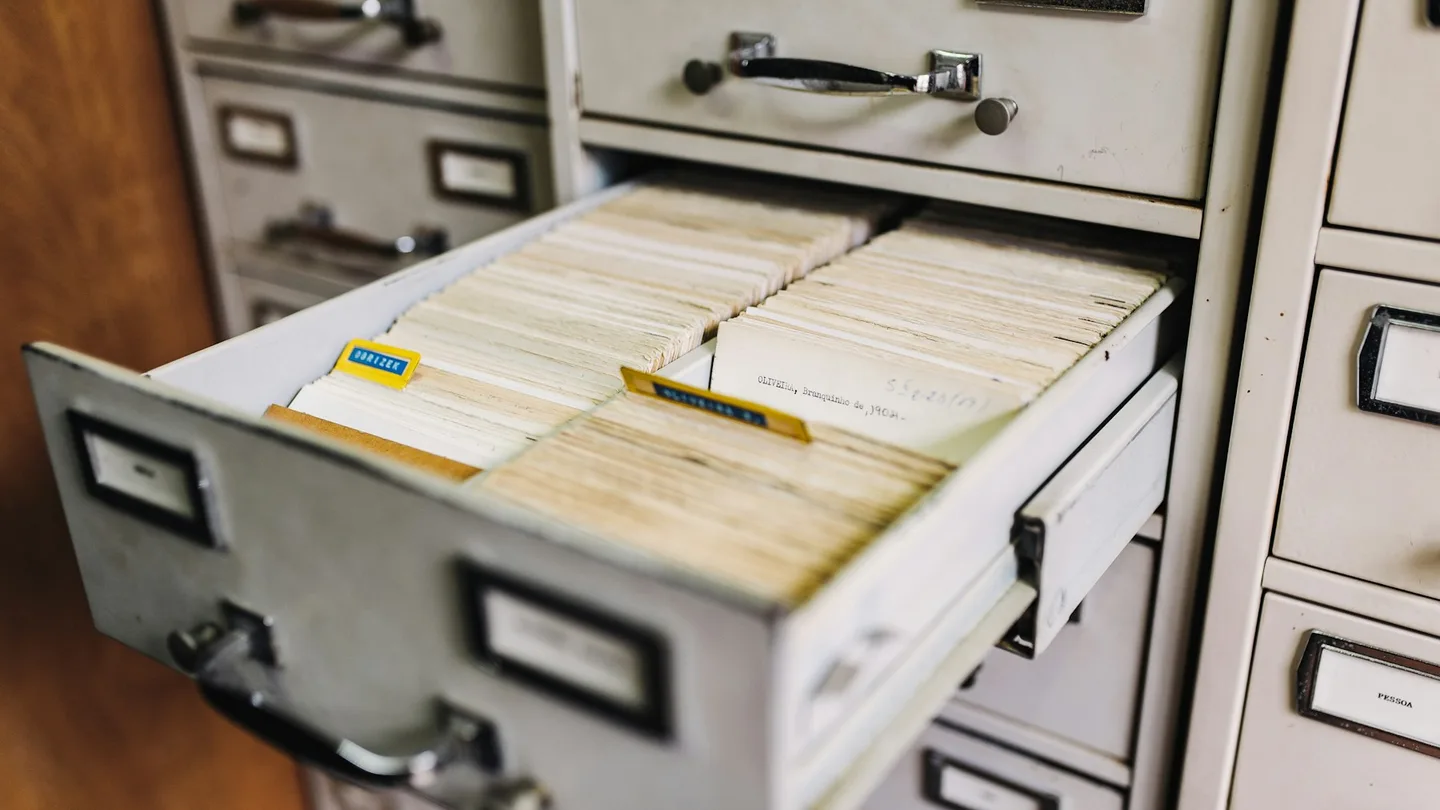
The shelves are usually the first thing you notice. Hard-copy registers going back decades, some of them quietly rotting, each one holding the only legal proof that thousands of people were born.
Starting a new digital register from scratch is the easy part. This is the hard part.
The short answer: digitising historical civil registration records is two separate jobs done in sequence. First, digitisation: converting paper registers into secure, machine-readable data using scanning, OCR and manual data entry. Second, ingestion: cleaning, checking and loading that data into the new civil registration system. They must happen in that order, and if the first is done badly, the data migration becomes a nightmare. Run it as its own workstream, in parallel with new digital registration, not as a prerequisite for go-live.
Job one: digitisation
The goal isn't pictures of pages. It's structured data you can trust.
- Triage the archive. Count the volumes, check their condition, and note the formats and languages. Some registers will be too damaged to handle more than once.
- Scan everything first. A good image is your safety net. Once it's captured, the fragile original only needs handling once.
- Extract the data. OCR works well on typed and printed registers. Handwriting, faded ink and old scripts often need manual entry or double-keying.
- Capture it securely. These are records of real people. Access controls, audit trails and secure storage apply from the first scan, not from go-live.
- Keep the link. Every digital record should point back to its page image, so anyone can check the source.
Job two: ingestion
Now you've got data. It still isn't ready.
- Map the fields. Old registers don't match your new forms. Decide how each old field maps, and what happens to data that doesn't fit.
- Clean it. Standardise names, dates and place names. Administrative boundaries have often changed since the record was made.
- Deduplicate. The same birth may have been registered twice, or late-registered years later.
- Validate. Spot-check samples against the page images before anything loads.
- Load in batches. District by district or year by year, with checks after each batch.
Why the order matters
Everything in job two depends on the quality of job one.
If digitisation was rushed, with fields keyed inconsistently, no link back to the page images, and dates in five formats, ingestion turns into archaeology. Every error multiplies across hundreds of thousands of records, and nobody can check anything against the source.
My take: this is where cheap bids come back to bite. The low-cost data-entry contract looks great until the migration team discovers they can't trust a single field.
Where should you start?
You probably can't do everything at once, so prioritise:
| Priority | Why |
|---|---|
| Recent decades | These people are alive and applying for ID, passports and school places now |
| Records at physical risk | Damaged or deteriorating volumes may not survive another decade |
| High-demand districts | Where certificate requests are highest |
| Older archives | Valuable, but less urgent for day-to-day services |
Budgeting for it
Historical digitisation is its own cost line, separate from implementing the new system, and it's the one most often underestimated. Budget for scanning, extraction, quality checks and migration as a distinct project. I cover the wider numbers in how much DPI costs to implement.
Frequently asked questions
Can OCR read old birth registers? It handles typed and printed records well. Handwritten and damaged registers usually need manual entry or double-keying.
Should we digitise old records before launching a new CRVS? No. Launch digital registration for new events and digitise historical records in parallel. See how to digitise a civil registration system.
How do you keep digitised records trustworthy? Link every record to its page image, validate samples against the source, and apply security controls from the first scan.
What is the biggest risk in migrating civil registration data? Poor-quality digitisation. Errors made at the scanning and keying stage multiply during migration.
Planning a records digitisation project? Let's talk.